Stop paying for the 90% of the CRM you don't use. Build the 10% you do.
Phoenix Studio builds custom web apps for your business, written to how your business actually works. Describe it and the builder writes it. We host it, back it up and roll it back if a change goes wrong. Add phones, email and payments when you're ready.
30-day free trial, by request. Plans from $99 a month.
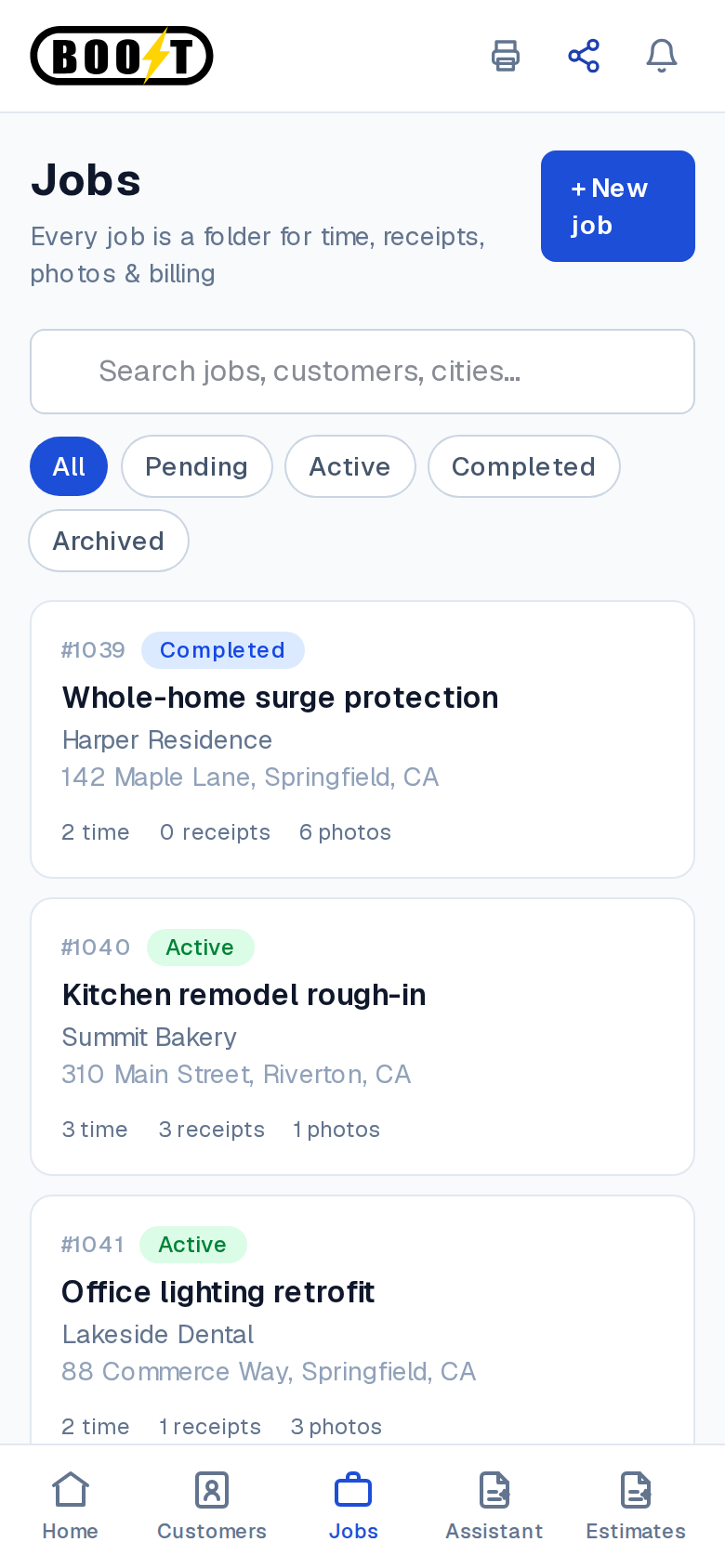
Omid, Boost Electric, runs an electrical contracting company and built the field-service app his crews use from their phones instead of paying for a field-service subscription that was never shaped for how electricians work.
Jonathan, a consultant, runs his practice on a CRM he built himself: tasks, deals, time and billing, client portals, on his own domain, with an iOS app.
Software built for how your business works, not the other way around.
It doesn't exist.
What you need is specific to how your business runs: the job sheet, the quote-to-invoice flow, the training your new hires actually need. Nobody sells it, so you cobble it together from a spreadsheet, a binder and five tools that each hold a piece of the same customer.
It exists, but you pay for all of it and use a tenth.
The CRM, the scheduler, the portal: a subscription priced for a company ten times your size, bent to fit, with ninety percent of the menus never opened. A version with only the parts you use costs a fraction, and it fits.
Either way, the person closest to the problem is the best person to build the fix. Build it yourself, or have us build the first version with you. It is your project to keep changing.
Start with a website. End up running the business on it.
Everything below was built in Studio by the people who use it, most of them without a developer. The same project that starts as a page can become the system the business runs on, and nobody has to move platforms to get there.
- 1
Be on the web
A restaurant site that takes bookings online. Boost Electric's site. A barbershop.
Most businesses meet Studio here, with a simple site. On a site builder this is where it ends, because a site builder cannot become software. In Studio the same project keeps going.
- 2
A tool for your team
A ranch that takes feed orders through an app instead of phone calls. A networking chapter's app, so one person isn't the human calendar. A game group that tracks 393 games.
Small, specific, and built by someone who was fed up with the manual version. This is the software that didn't exist until the person closest to the problem made it.
- 3
The system you run on
Boost Electric's field-service app. Jonathan's CRM. A food distributor's sales CRM shaped around a distributor's day. An auto shop's customer portal that reads its existing database, so old and new run side by side.
This is where the subscription you were paying for gets replaced by the tenth of it you actually use, with a real database behind it and the whole team logged in.
- 4
Run the business out of it
The marketing application Phoenix runs on: pipeline, projects, invoices, phones, email and Stripe payments, with an AI partner that reads all of it and acts behind an approval step. An advisor-coaching tool built to cut a firm's planning-tool spend.
Phones, email and payments inside the app, so there is one place to run the business instead of five tools that each hold a piece of it.
Studio is still being shaped by the people using it. Their feedback and bug reports go straight into making it better.
Phones, email, payments. Ask the builder, and it's wired in.
There is no settings panel to learn. You tell the builder your app needs a phone number, or needs to send email, or needs to take a card, and it does the configuration. One place to run the business, instead of piecing it together across several tools.

A phone number for your app
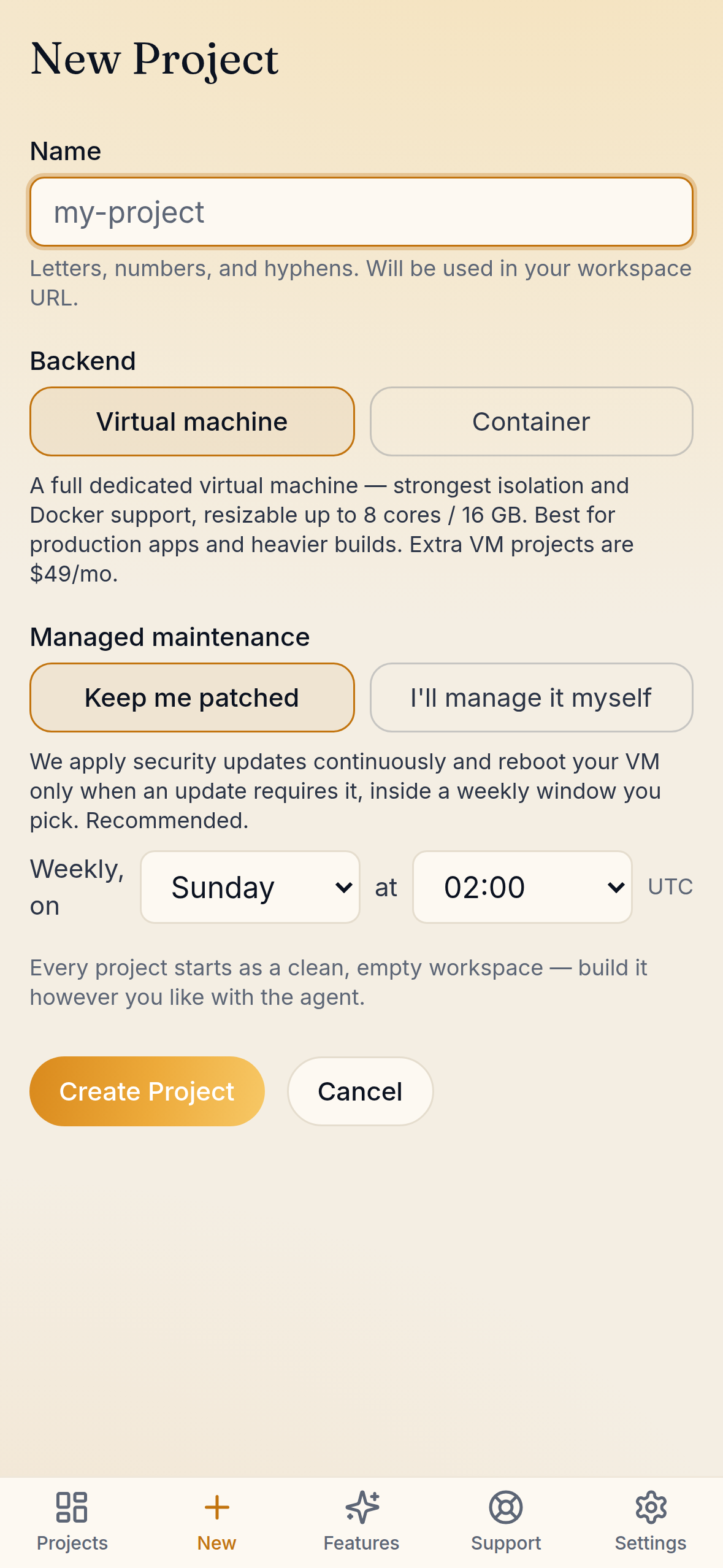
Ask the builder for a phone number and your project gets its own private phone system, set up for you alone: a number and 300 US/CA minutes included for $29 a month per project, then $0.03 a minute. The builder orders the number and wires it into your app. There are no settings to open.
A mail server for your app
Ask the builder to let your app send and receive email and it gets its own mail server on your own domain: 5,000 emails a month included for $9 a month per project, then $1 per 1,000. The builder handles DNS and configuration.
Payments through Stripe
Ask the builder to set up Stripe and your app can take payments, alongside the phones and email, in the same place. Our own marketing app does.
The builder is your administrator
You do not need to know how to order a phone number or set up a mail server. You say what you want, see the price, agree, and the builder does the rest. Billing runs through your Studio account, and nothing paid turns on without you.
Nothing here locks you in. If you leave, your numbers can be ported out the normal way. We would rather you stay because it works.
Build an app for your business, then keep it running.
Most AI app builders stop when the code is written. Studio also runs what it builds.
Describe it
Tell the builder how your business actually works, in plain language. It asks questions the way a developer would.
Watch it get built
A chat on the left, your running app on the right. Check desktop, tablet and phone as it changes.
Publish it
One click to a live address, yourproject.pnxns.com or your own domain. A new version has to pass health checks before it replaces the old one.
Keep changing it
Ask for the next change next week. If something goes wrong, roll back in one click.


Bring your own Claude subscription. Pay us for the hosting.
Most AI builders meter every message, and a long afternoon of changes can turn into a surprise invoice. In Studio you sign in to your own Claude subscription right inside the app. The building runs on a plan you already control, so you can keep asking for changes until it is right.
What you pay Phoenix for is the part that has to stay up: the server, the deploys, the backups and the domain.
Applies to Builder and Studio. Agency includes Claude usage.
Built and run by the people who run enterprise IT.
Studio is built and supported by a three-person Phoenix engineering team with more than 50 years of experience between us. We run our own business on it: the marketing application we run Phoenix on was built here, including its phones, email and Stripe payments.
It runs on hardware we built and maintain ourselves, in the same SOC 2-audited data center as our enterprise clients' production systems. The same team runs IT for Sigma, a Brown & Brown company, and for Armellini.
The app you built should not be less dependable than the systems around it. This is the same infrastructure, the same people and the same backups, applied to your software.
We meet clients in person in two places. In the North Bay, Studio is run from Rohnert Park: Phoenix Studio in Sonoma County, Marin and Napa. In South Florida, our Broward engineers support every project: Phoenix Studio in Broward County.
What every project comes with.
The production checklist most builders leave to you.
A real server for every project. Its own Linux environment, not a shared sandbox. See its health and resize it.
Deploys that can't take you down. The old version keeps serving until the new one proves itself.
Versioning and one-click rollback. A built-in git repository per project, and every deploy is kept.
Backed up. Every project's server is backed up.
Your own domain. Connect yourcompany.com, or use yourproject.pnxns.com from day one.
Access control. Public, behind a password, or limited to admin logins.
Snapshots. Take a restore point before a risky change.
Your code is yours. Connect your own GitHub account, or download the repository whenever you like.
Publish to Google Play. Build a signed Android app package from the same project and put it on the Play Store.
Plans and pricing.
Pick by how many projects you run. Every plan includes hosting, deploys, backups and rollback, and starts with a 30-day free trial.
Builder
$99/mo
1 project
One live project with a builder, deploys, your domain and rollback.
Request a trial on Builder →Studio
$199/mo
5 projects
Five projects side by side: replace several tools at once.
Request a trial on Studio →Agency
$599/mo
10 projects
Build and run software for your own clients. Claude usage included.
Request a trial on Agency →Need one more project? On any paid plan, add one for $49 a month. No need to move up a tier.
Builder and Studio use your own Claude subscription. Per project, telephony is $29 a month (a phone number and 300 US/CA minutes included) and email is $9 a month (5,000 emails included). The extra-project add-on is not available during the free trial. Google Play builds are an optional add-on; nothing paid is switched on without you.
Questions we get.
- Can I build my own CRM instead of paying for one?
- Yes, and it is the most common thing people build first. Describe who your customers are, what you track about them and what happens from first call to invoice. The builder writes a CRM with only those parts, shows it to you running, and changes it when you ask. It lives on its own server, backed up, with no per-seat subscription.
- What does custom business software from Phoenix Studio include?
- The app itself, written to how your business works, plus everything that keeps it running: its own server, deploys that pass health checks, backups, one-click rollback and your own domain. You can add a phone number, a mail server and Stripe payments to the same app.
- Do I need to know how to code?
- No. You describe what you want and the builder writes it. If you do code, you can read every file, connect your GitHub account or download the repository at any time.
- Can you build it for me instead?
- Yes. Many people build it themselves; some want us to build the first version with them. Either way the app lives in your own Studio project and you can keep changing it yourself afterwards.
- What does an AI app developer for business do?
- You describe the software your business needs and the AI builder writes it, shows it to you running, and changes it when you ask. Phoenix Studio goes further than most: it also hosts the app, backs it up, and can add a phone number, a mail server and Stripe payments, so the whole business can run from one place.
- Will I get a surprise bill for AI usage?
- On Builder and Studio you bring your own Claude subscription and authorise it right inside the app, so your building runs on a subscription you already control. You pay Phoenix for the hosting. Agency includes Claude usage.
- What if I need one more project than my plan allows?
- On any paid plan, add one for $49 a month. You do not have to move up a tier: a Builder plan with a second project is $99 plus $49, and it gets the same dedicated server, backups and rollback as the first. Move to Studio when you are running several. The add-on is not available during the free trial.
- Can my app have its own phone number, email and payments?
- Yes, and there is no settings panel to learn. Ask the builder for a phone number and it provisions one: $29 a month per project with 300 US/CA minutes included, then $0.03 a minute. Ask it to send email and your app gets a mail server on your own domain: $9 a month per project with 5,000 emails included, then $1 per 1,000. Ask it to set up Stripe and your app takes payments. You see the cost and agree before anything paid turns on, and if you leave you can port your number out the normal way.
- How do I turn an Excel spreadsheet into a web app?
- Describe how the spreadsheet is used: who fills it in, what they look for, what goes wrong. The builder writes a web app that does the same job, with a real database behind it so several people can use it at once, and shows it to you running. You adjust it by talking to it, and publish when it works.
- What happens if a change breaks my app?
- A new version has to pass health checks before it replaces the old one. Every project has its own git history and backups, and one click rolls back.
- Who builds and runs Phoenix Studio?
- Phoenix Network Solutions. Studio is built and supported by Phoenix engineers, on servers we built and maintain ourselves in a Fort Lauderdale SOC 2-audited data center, the same facility that hosts our managed-hosting clients' production systems.
- Can I try it before I pay?
- Yes. There is a 30-day free trial. Request it from the sign-up page, tell us a little about what you want to build, and we set up your workspace and send you the login, usually within a day.
Want us to build the first version with you?
Tell us what the software needs to do and what you use today. We will help you get the first version running in Studio, then it is yours to change.